Airport WiFi ranges from surprisingly fast to barely functional depending on where you are. The gap between the best and worst is wide enough that it’s worth knowing before you sit down expecting to join a video call.
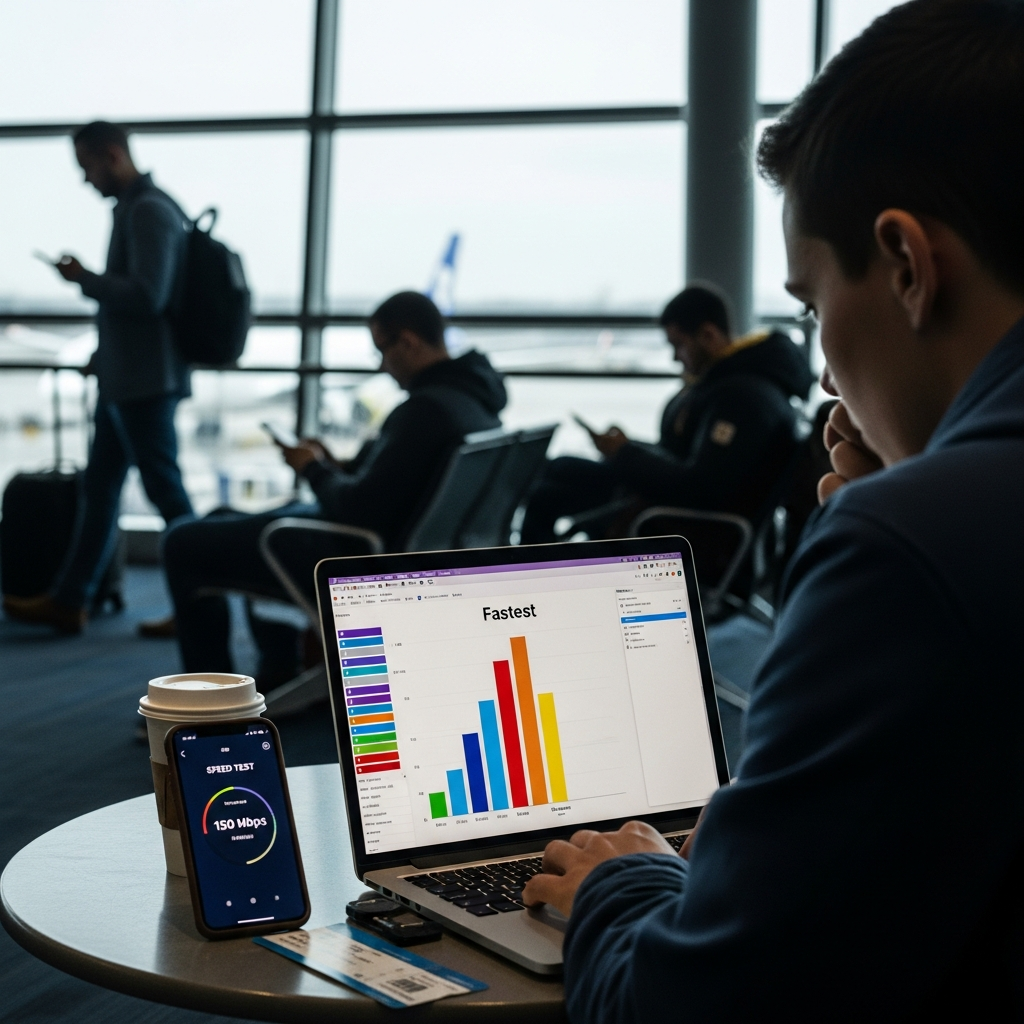
The Airports With Actually Fast WiFi
SJC (San Jose): Consistently clocks over 50 Mbps on speed tests. Being in the middle of Silicon Valley probably helps. This is upload-a-large-file-without-thinking-about-it fast.
SFO (San Francisco): Pulls 40+ Mbps reliably across terminals. Stable enough for video calls without the usual freezing and pixelation that airport WiFi usually delivers.
SEA (Seattle): Strong 35+ Mbps speeds, completely free, no time limits. Good enough to get real work done during a layover without needing to tether to your phone.
The Middle of the Pack
DEN, LAX, and JFK fall in the 15-25 Mbps range on a good day. Enough for video calls and streaming if you keep expectations reasonable, but large file uploads will test your patience. LAX varies a lot by terminal — Tom Bradley International tends to be faster than the older domestic terminals.
Where You Might Want a Backup Plan
ATL and ORD push absurd numbers of passengers through every day, and the WiFi shows it. Speeds drop to 5-10 Mbps during peak hours, which barely handles anything beyond email and basic browsing. If you need to actually work at one of these airports during rush hours, tethering to your phone’s data connection is the more reliable option.
The Lounge WiFi Advantage
If you have lounge access, use it for anything bandwidth-heavy. Lounge WiFi almost always runs on a separate, faster network than the public terminal connection. The difference between struggling with a presentation upload at a gate and having it finish in seconds upstairs in a lounge is real and consistent across airports.


Stay in the loop
Get the latest airport pin updates delivered to your inbox.