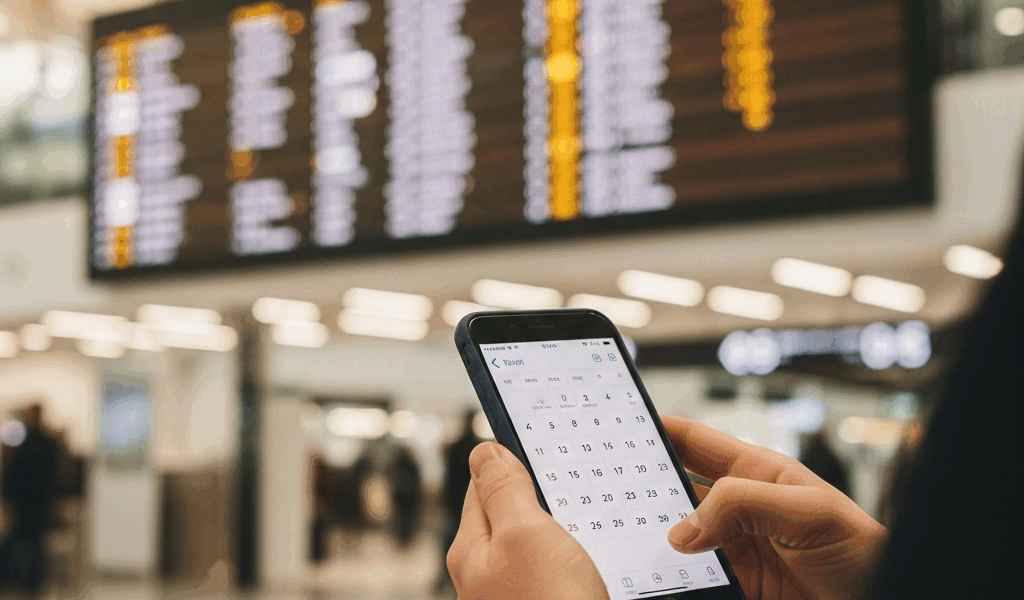
You’re two gates down with a coffee in hand when the board flips. Your flight just moved from B12 to D7, and boarding got pushed eighteen minutes. You only caught it because you happened to glance up at the right monitor. Everyone else around you is about to start the same slow walk in the wrong direction.
Gate changes and delays are the most predictable part of air travel and somehow the hardest to stay ahead of. The information exists in real time, but it lives in three different places — the departures board, the airline app, and whatever the agent mumbles over the PA. None of those is the place you actually keep your day: your calendar.
Your boarding pass is wrong the moment it prints
The gate and time printed on your boarding pass are a snapshot from the moment you checked in. On a smooth day they hold. On a normal day, roughly one in four domestic departures shifts its gate, its time, or both before you board. The boarding pass never updates. It can’t — it’s a printed artifact of a decision the airline already changed its mind about.
Airline apps do push notifications, and they’re better than they used to be. The catch is that a push alert is a tap-and-forget event. It buzzes once, you’re mid-conversation or mid-security-line, and it slides up into the same notification graveyard as everything else. An hour later you’re relying on memory for a number that may have changed twice since.
Why the calendar is the right home for a flight
Think about where you look when you’re trying to figure out how much time you have. Not the airline app — your calendar. It’s already open on your phone, your laptop, the watch on your wrist, and the screen in your rental car. A flight that lives there as a real event, with the current gate and the current time, answers the only two questions you actually have at the airport: where do I go, and how long do I have.
The problem has always been keeping that calendar entry honest. You can paste your flight in manually, but the second the gate changes your nice tidy event is lying to you — and a calendar entry you can’t trust is worse than none, because you’ll act on it without thinking.
Auto-syncing gate and delay changes to your calendar

This is where a live-tracking layer earns its keep. A newer service called LiveCal is built around exactly this idea: you tell it what you want to track, it confirms a live data feed exists for it, and it drops the event straight onto your Google Calendar — then patches that same event in place as the real-world data moves. No second app to babysit, no notification to remember. The flight on your calendar simply stays true.
For a flight, that means the gate updates on the event itself when the airline reassigns it, and the start time slides when the departure slips. You’re not getting a one-time ping that a change happened — you’re getting a calendar entry that always reflects the current reality, so a glance at your phone is enough. Because LiveCal writes to your existing Google Calendar, the flight shows up next to your dinner reservation and your ride pickup, in the place you already check a dozen times a day.
A realistic setup for a travel day
Here’s how a sane traveler actually wires this up. The night before, add the flight as a tracked event so it lands on the calendar with the scheduled gate and time. Keep the airline app installed — it’s still the right tool for boarding passes, seat changes, and rebooking when things go sideways. And let the calendar be the at-a-glance source of truth for the two facts you check most: gate and time.
The payoff shows up in the connection. You land, you’ve got a tight 40 minutes, and instead of opening an app and hunting through menus you look at the next event already sitting on your calendar with the connecting gate filled in. If that gate moved while you were in the air, it moved on the calendar too. You start walking in the right direction before you’ve even cleared the jet bridge.
When the old methods still win
None of this replaces paying attention. The departures board is still the fastest ground truth when you’re standing right in front of it, and a gate agent will know about a hold before any feed does. Automation is for the 90% of the travel day when you’re not staring at a monitor — the security line, the lounge, the long walk, the layover meal. That’s exactly when a self-updating calendar entry quietly does the watching for you.
Air travel rewards the person who knows about the change first. Putting your flight on the calendar and letting it update itself is the cheapest way to be that person — not because you’re more vigilant, but because you finally stopped relying on a printed gate number that was out of date before you left the kiosk.




Stay in the loop
Get the latest airport pin updates delivered to your inbox.